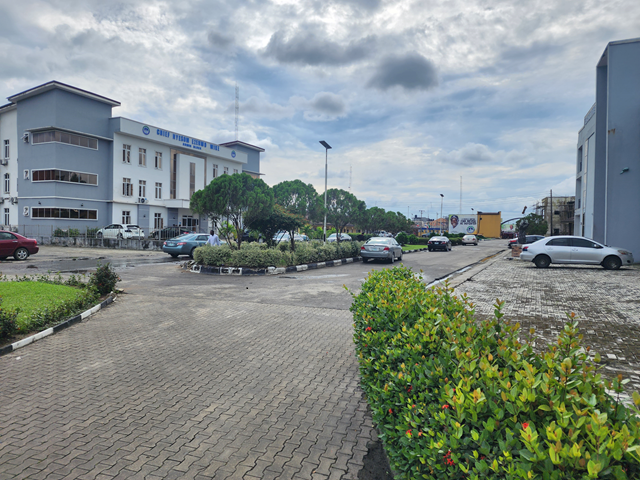
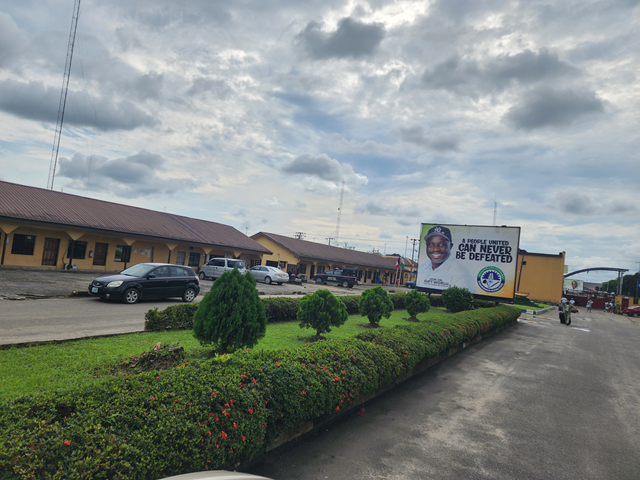
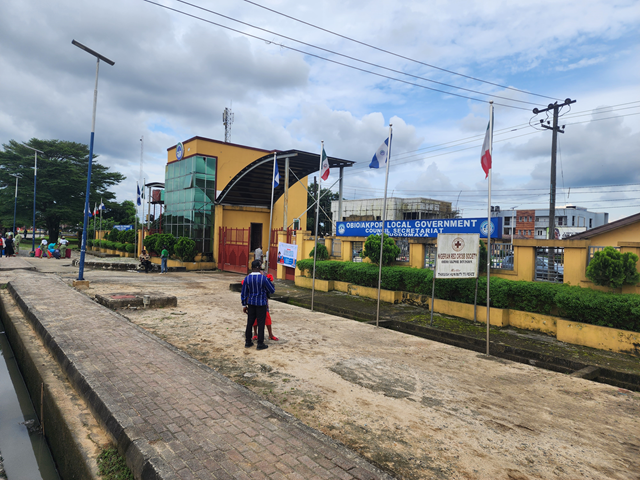
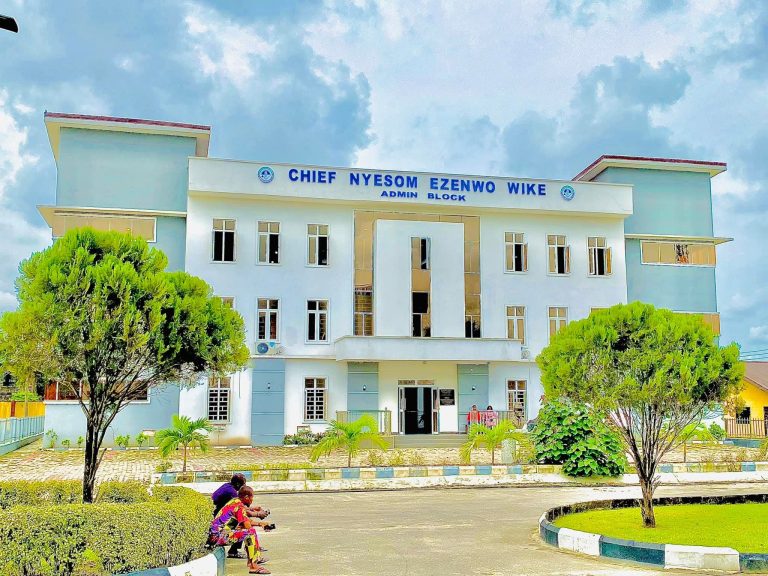
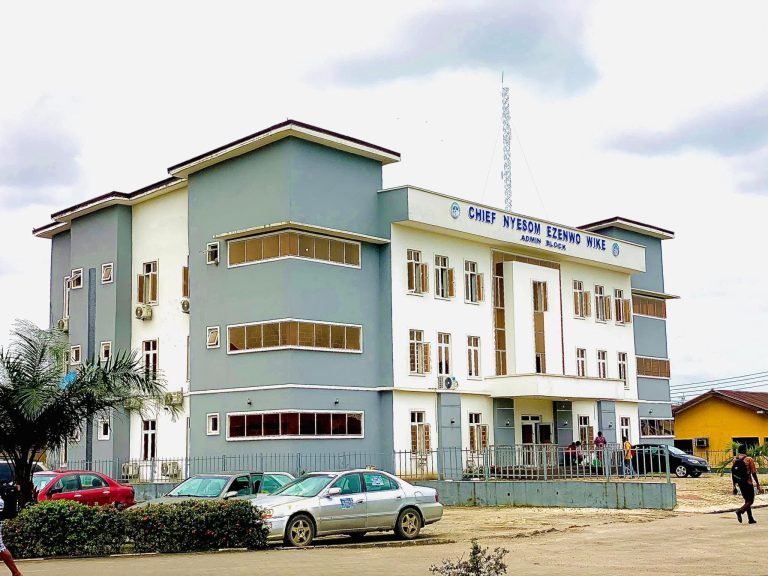
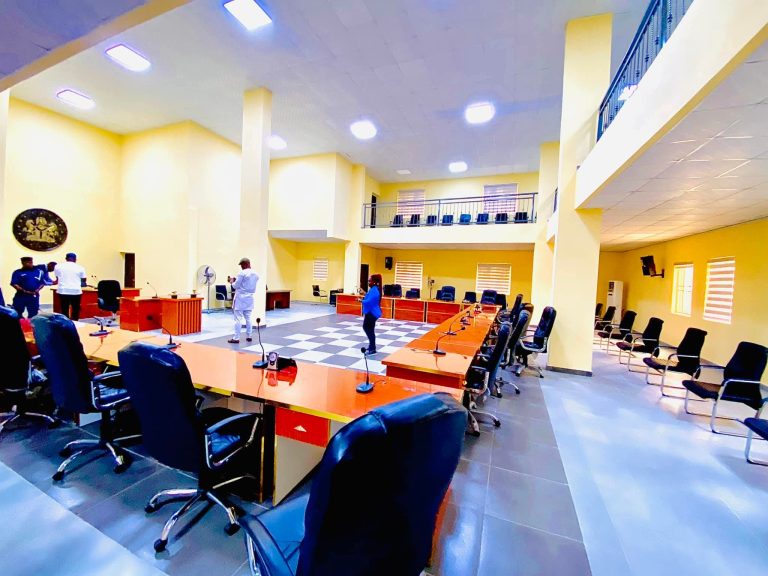
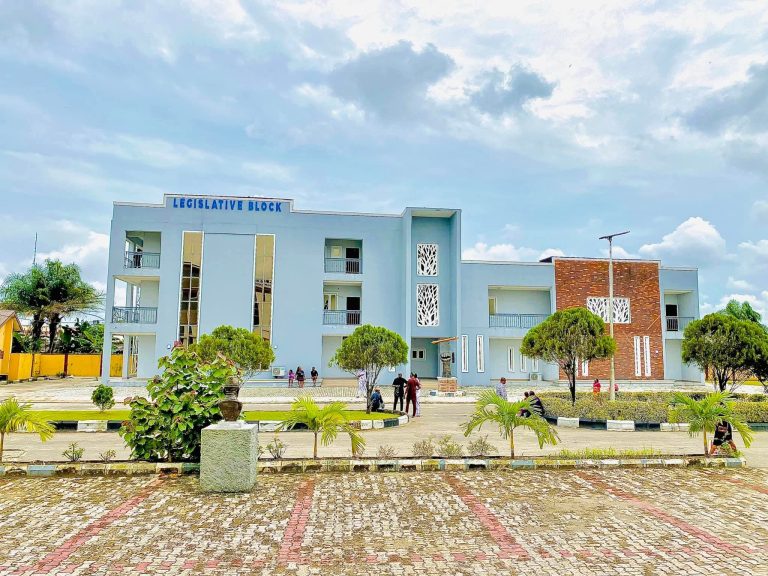
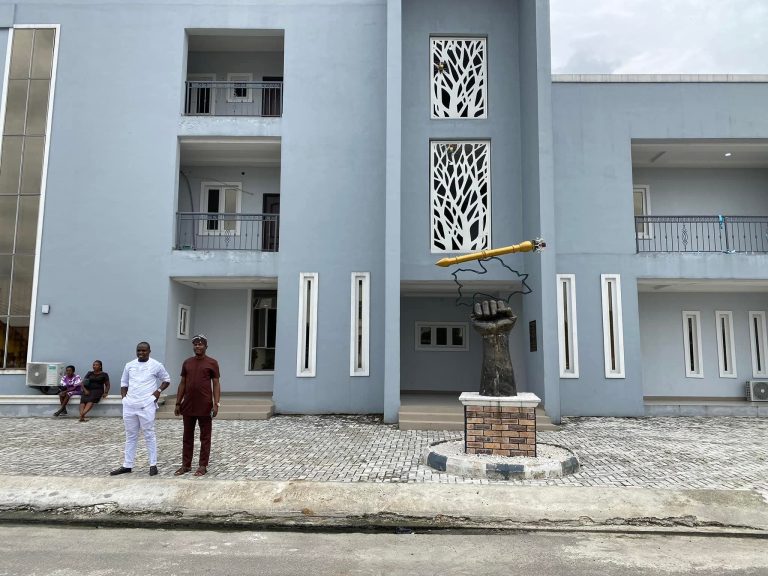
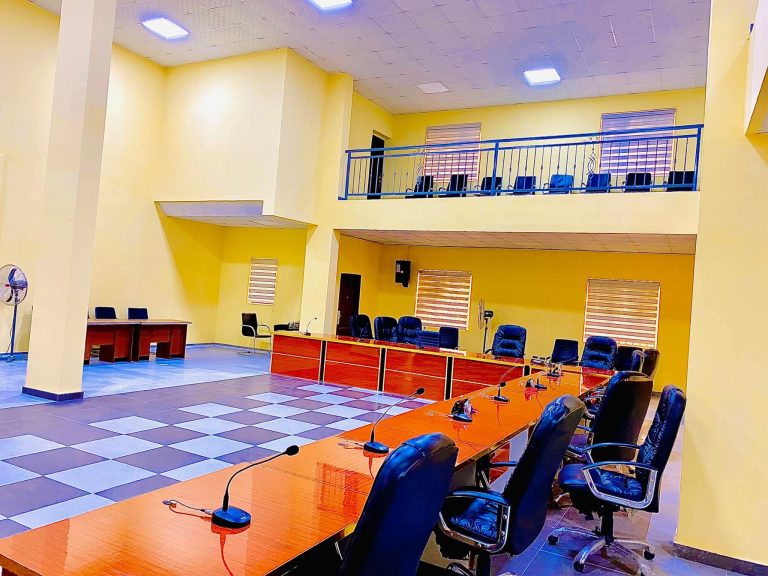
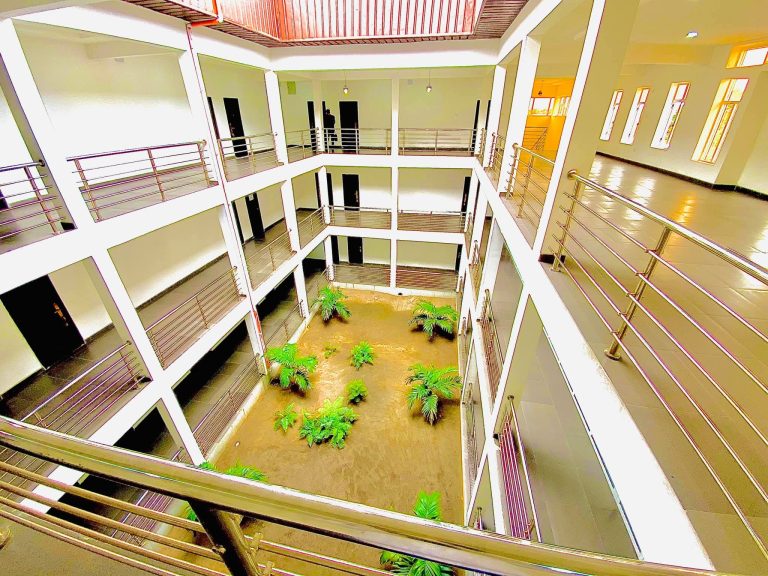
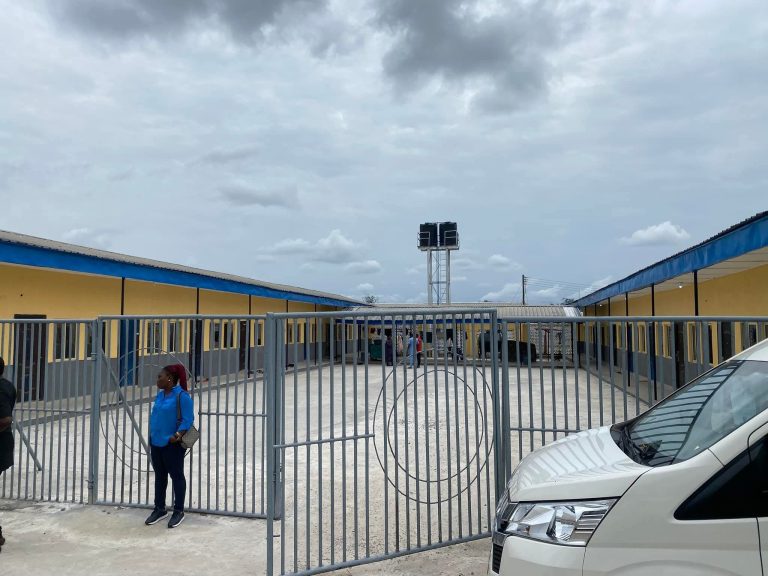
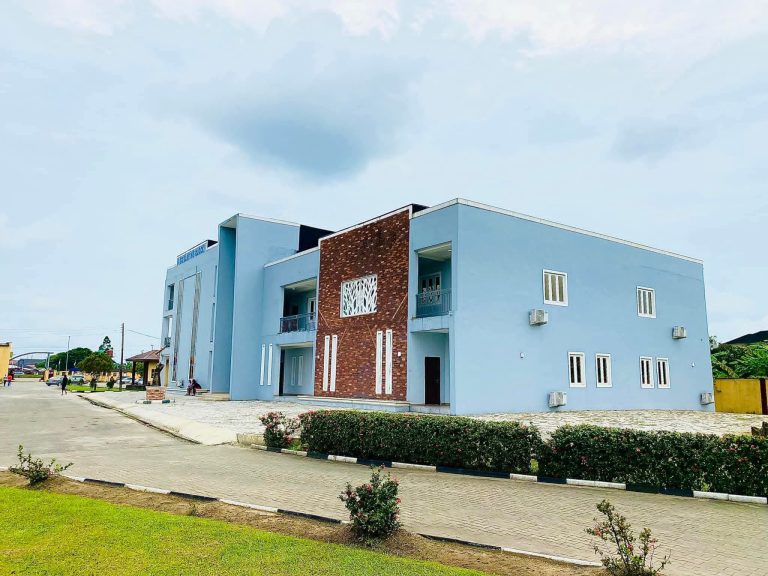
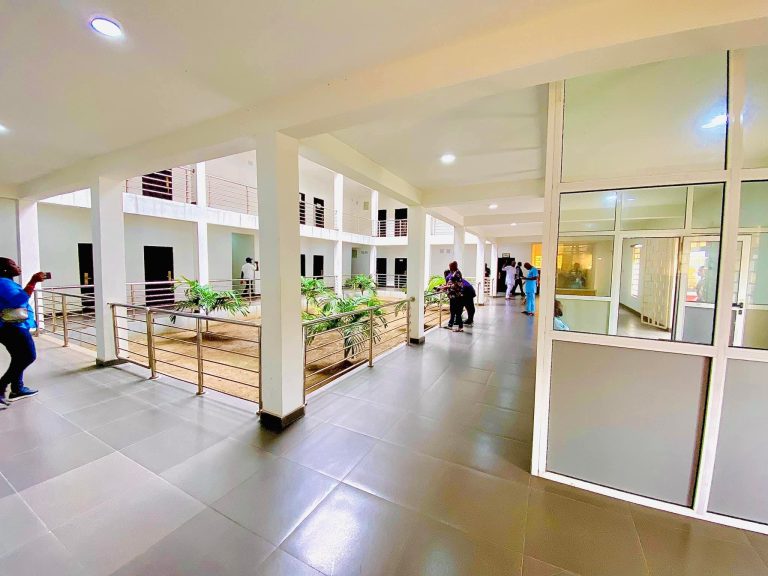
Welcome to Obio/Akpor Local Government Area (LGA) – one of the most vibrant and fast-growing regions in Rivers State, Nigeria. Established on 3rd May 1989, Obio/Akpor was carved out of the former Port Harcourt Local Government Area to bring governance closer to the people and to manage the rapid growth of communities surrounding the state capital. Our administrative headquarters is located at Rumuodomaya
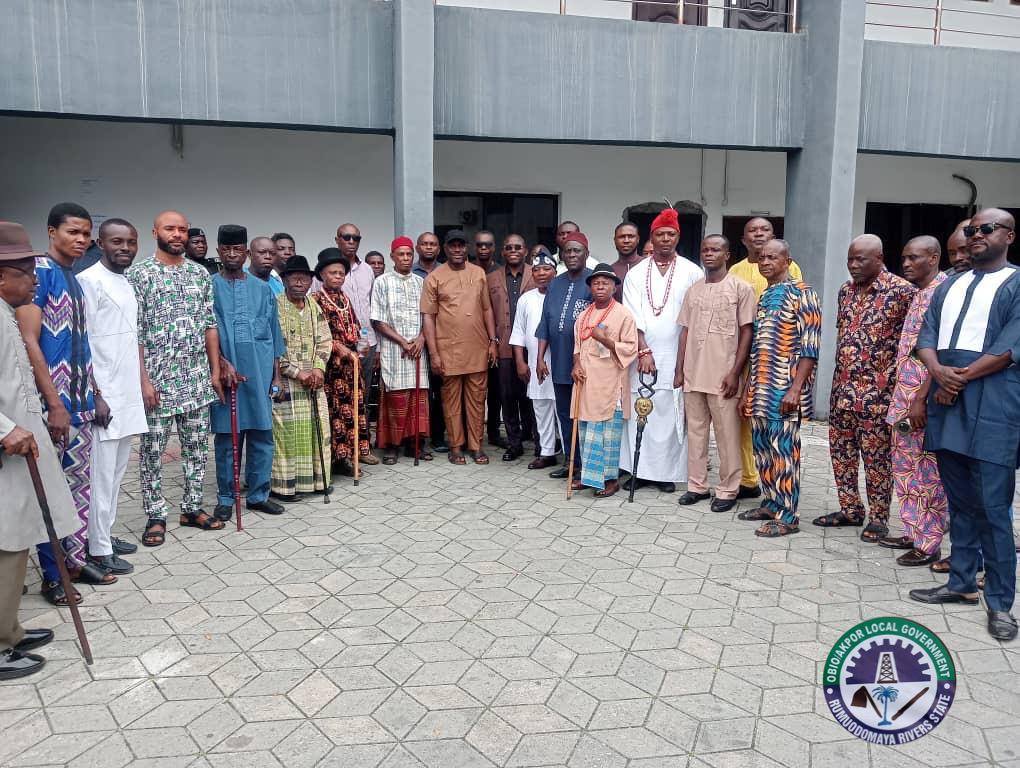
Obio/Akpor is home to the Ikwerre people, whose history and traditions stretch back centuries. Oral traditions trace their ancestral roots to migrations from the Benin region, with today’s clans and kingdoms forming the cultural backbone of our communities. Our rich customs, language, and festivals are an important part of the Rivers State cultural mosaic.
From its humble beginnings, Obio/Akpor has grown into a key hub of the Port Harcourt metropolitan area. With a land area of about 260 km² and a population that has expanded rapidly since the 1991 and 2006 censuses, Obio/Akpor is now a thriving urban and semi-urban environment.
We are proud of our diverse and resilient people. While Obio/Akpor is traditionally Ikwerre, our land has welcomed Nigerians from different ethnic and cultural backgrounds who live, work, and contribute to our shared prosperity.
We create a tailored experience for every user. By capturing preferences and basic profile information, the system adapts content, recommendations, and services to each participant.
Open a web browser on a computer with Internet access, type the following URL: https://imo.lgaid.ng and click on the “Sign Up” button at the top right-hand side of the page.
Click on the create account button
On the displayed page, fill the form by entering ALL the required details to create an account. Click the “Continue” button. Check your email for a confirmation code.
Enter the confirmation code and click on the ‘Verify Code’ button. Congrats, you have signed up successfully.
Click on the login button. Now login with your email and password.
Click on ‘New Application’ to start the process.
Click on the Make Payment button to the payment for the service, On the displayed page, click on continue
Select the “Paystack” option, Click on Continue to Payment.
Enter you debit card details and click on the Pay button. Enter your pin to authorise payment
Enter the OTP sent to phone and click on the authorise button. You’ll see a “Payment Successful” message once your payment goes through.
The application form has three (3) parts that must be completed: Personal Details Parents’ Details Upload Documents (Birth certificate & Passport photograph)
You are to upload your birth certificate/age declaration in PDF format only.
Upload your passport photograph with a white background, in PNG or JPEG format only
1. Login to your account 2. Click on the Application Menu 3. Click on the My Application button 4. Click on the download button. 5. Scroll down and click on the download button
1. Login to your account 2. Click on the Application Menu 3. Click on the My Application button 4. Click on the download button. 5. Scroll down and click on the download button
1. Login to your account 2. Click on the Application Menu 3. Click on the My Application button 4. Click on the download button. 5. Scroll down and click on the download button
1. Login to your account 2. Click on the Application Menu 3. Click on the My Application button 4. Click on the download button. 5. Scroll down and click on the download button
1. Login to your account 2. Click on the Application Menu 3. Click on the My Application button 4. Click on the download button. 5. Scroll down and click on the download button
Official Website for Obio/Akpor LGA, Rivers State.